Bring in your leads
What you'll get: your real prospects in the CRM, ready for the AI to research and qualify.
Steps
-
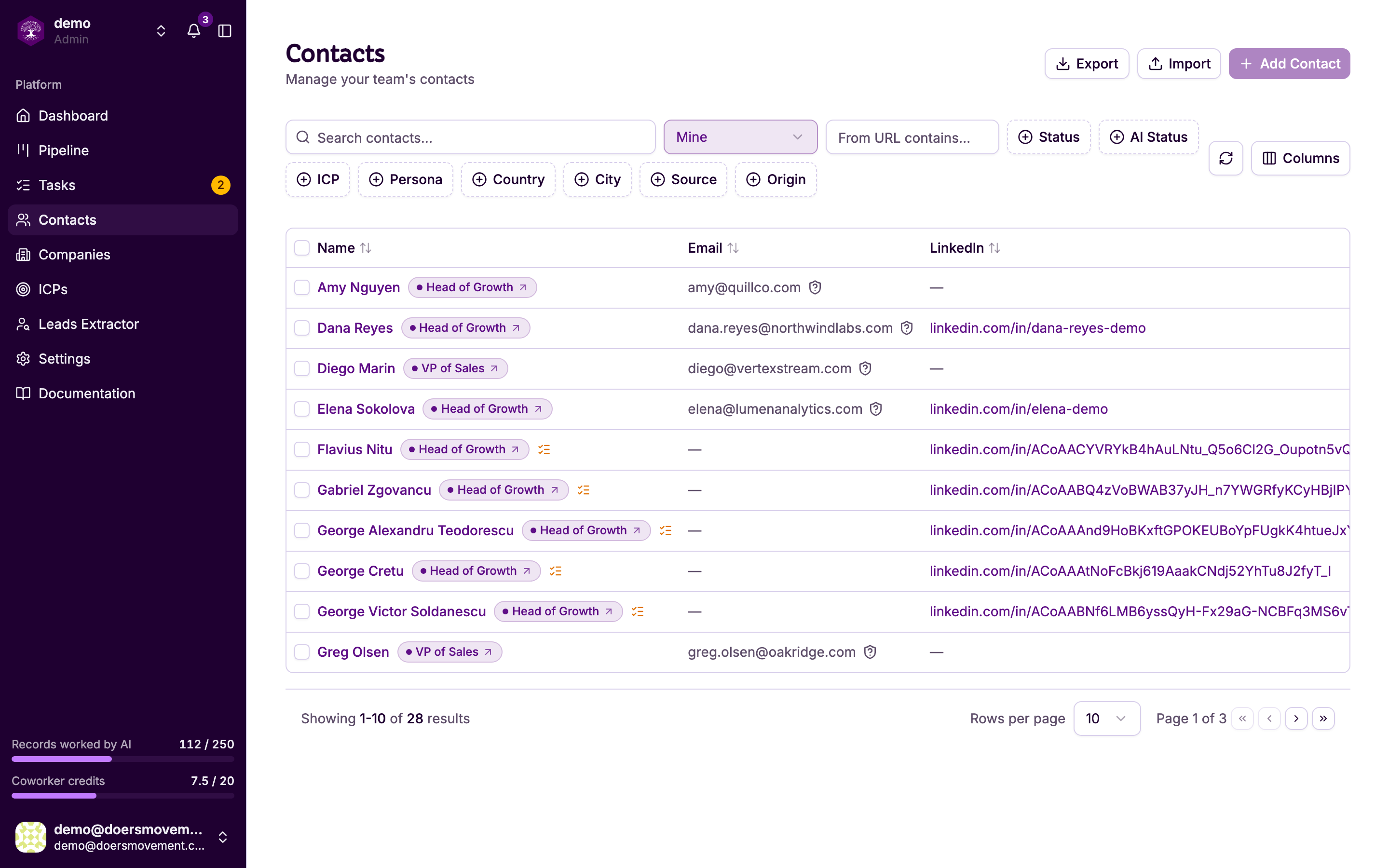
Open Contacts in the sidebar.
-
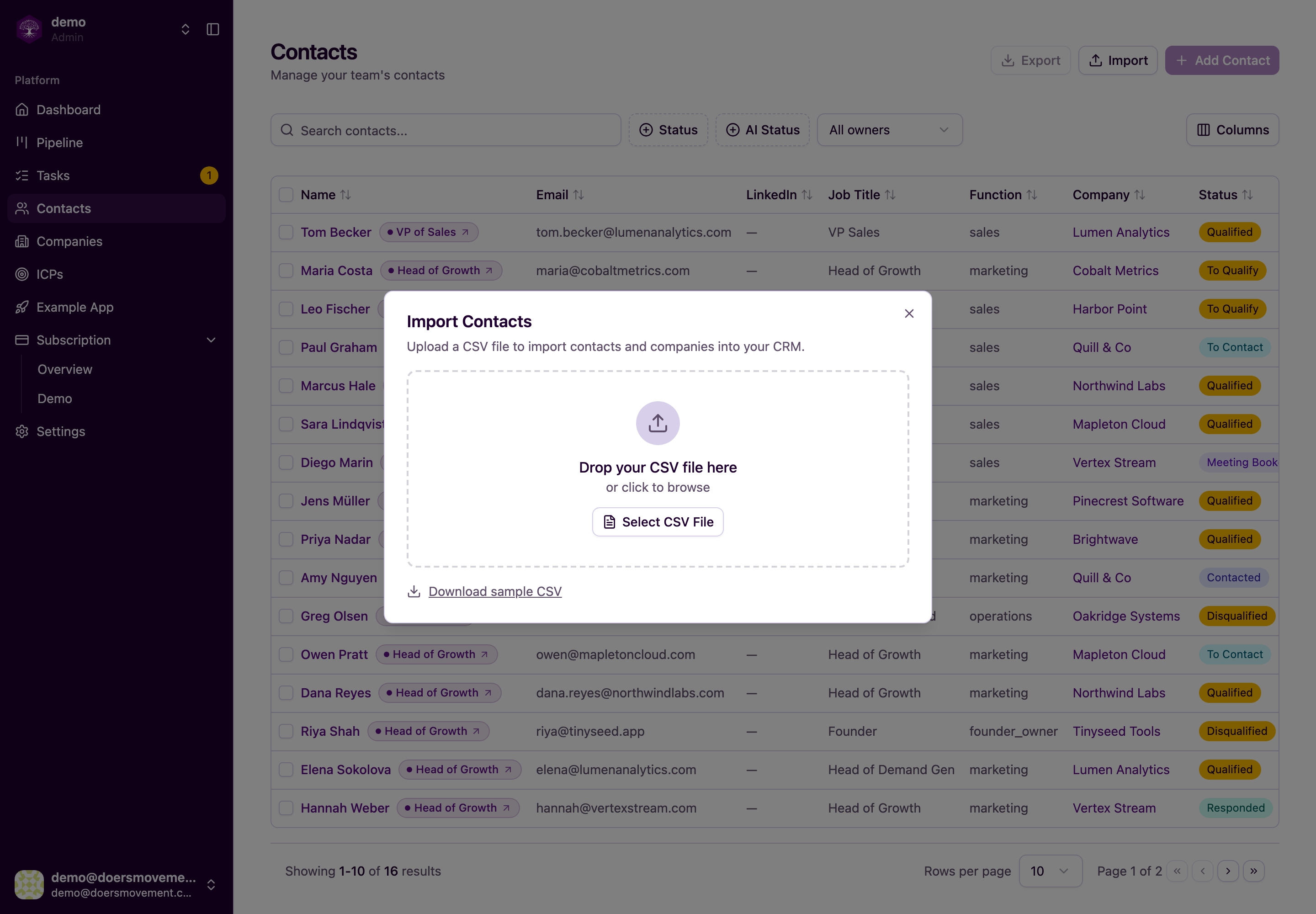
Click Import (top right) and drop in a CSV. You need at least a first name and an email or LinkedIn link per person (and the company's website to attach a company).
-
Match your columns, then watch it import live. No duplicates: it recognizes people by their LinkedIn profile, then email, and companies by LinkedIn page or website (never by name alone), and fills in blanks rather than overwriting what you have.
-
Prefer not to hunt for a list? Just ask your main AI Agent to find leads, see the recipe linked below.
You'll know it worked when… your new contacts appear in the Contacts list.
Use a normal spreadsheet saved as CSV with a header row. Big lists are fine; it works through them in the background.